
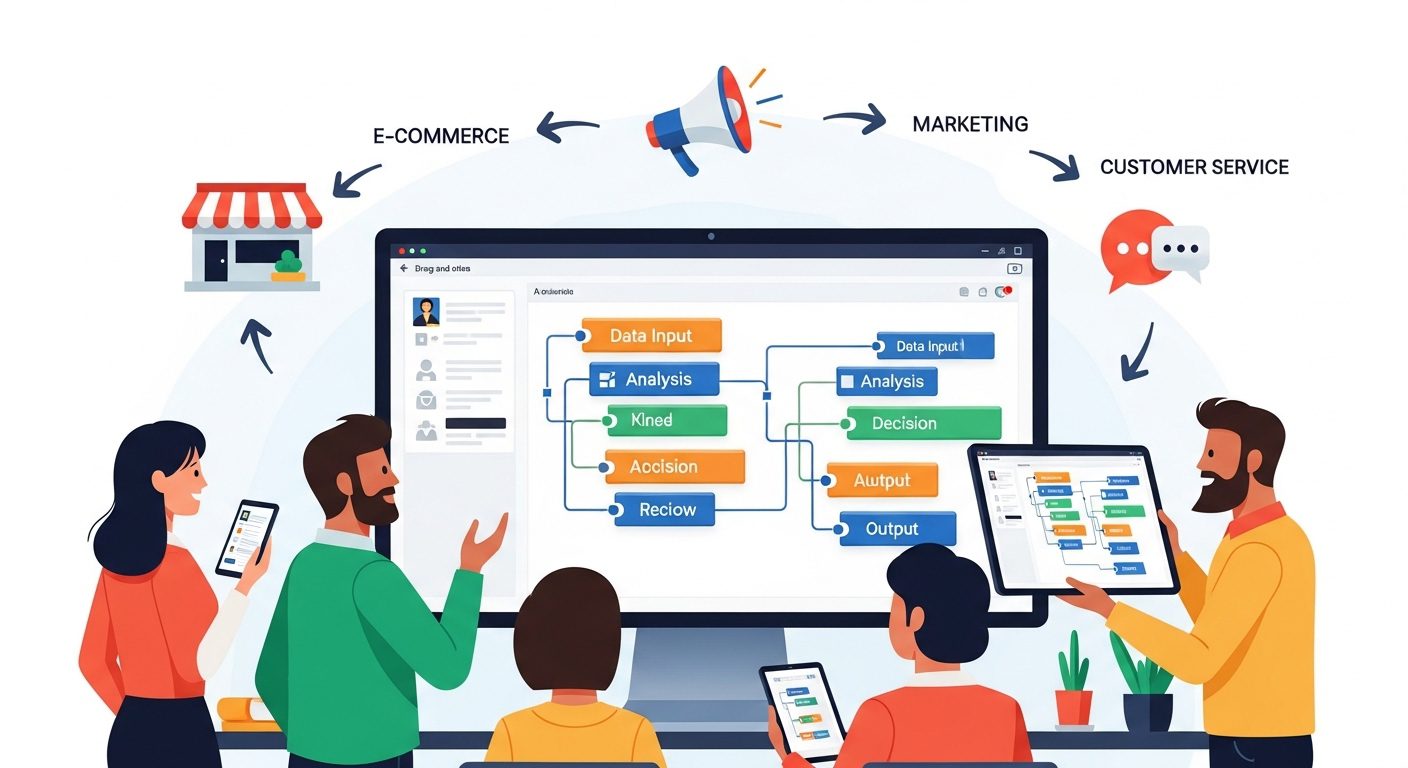
Waking Up to Systems That Work While You Sleep
Picture this: It’s 6:30 AM on a Tuesday. You roll over, grab your phone, and brace yourself for the usual morning inbox dread. But instead of a chaotic pile of unread inquiries, scattered data, and pending administrative chores, you find something entirely different. A new lead came in through your website at 2 AM. By 2:01 AM, that lead was automatically added to your CRM, sent a personalized welcome email, and your sales team was notified on Slack. All of this happened without you lifting a single finger. You didn’t hire a night-shift assistant; you just finally unlocked the power of no-code AI automation.
As a small business owner, time is your most heavily taxed asset. You’ve probably already dabbled with general-purpose AI tools like ChatGPT. You interact with it directly—you ask a question, it gives you an answer, one conversation at a time. It’s incredibly helpful, but it still requires you to be in the driver’s seat, present for every single step of the process.
The real paradigm shift happens when you stop treating AI as just a chatbot and start treating it as your operational infrastructure. It’s the fundamental difference between having a smart assistant you talk to versus building a system that works while you sleep.
Today’s no-code AI platforms are designed specifically to bridge this gap. They allow you to create intelligent agents that run entirely on their own—no programming degree required. Once set up, these systems can:
- Pull and classify data from various sources automatically.
- Make logic-based decisions without human intervention.
- Generate custom outputs, summarize text, or draft content as part of an automated sequence.
- Connect seamlessly to the software tools you already use every day.
The real power here is speed and simplicity. You don’t need to write a single line of code to make this happen. By automating this time-consuming work, no-code AI agents transform your business operations, allowing you and your employees to be more present, focused, and strategic. Instead of spending days trying to figure out complex integrations, you can build a basic, time-saving workflow in mere minutes and wake up to a business that practically runs itself.
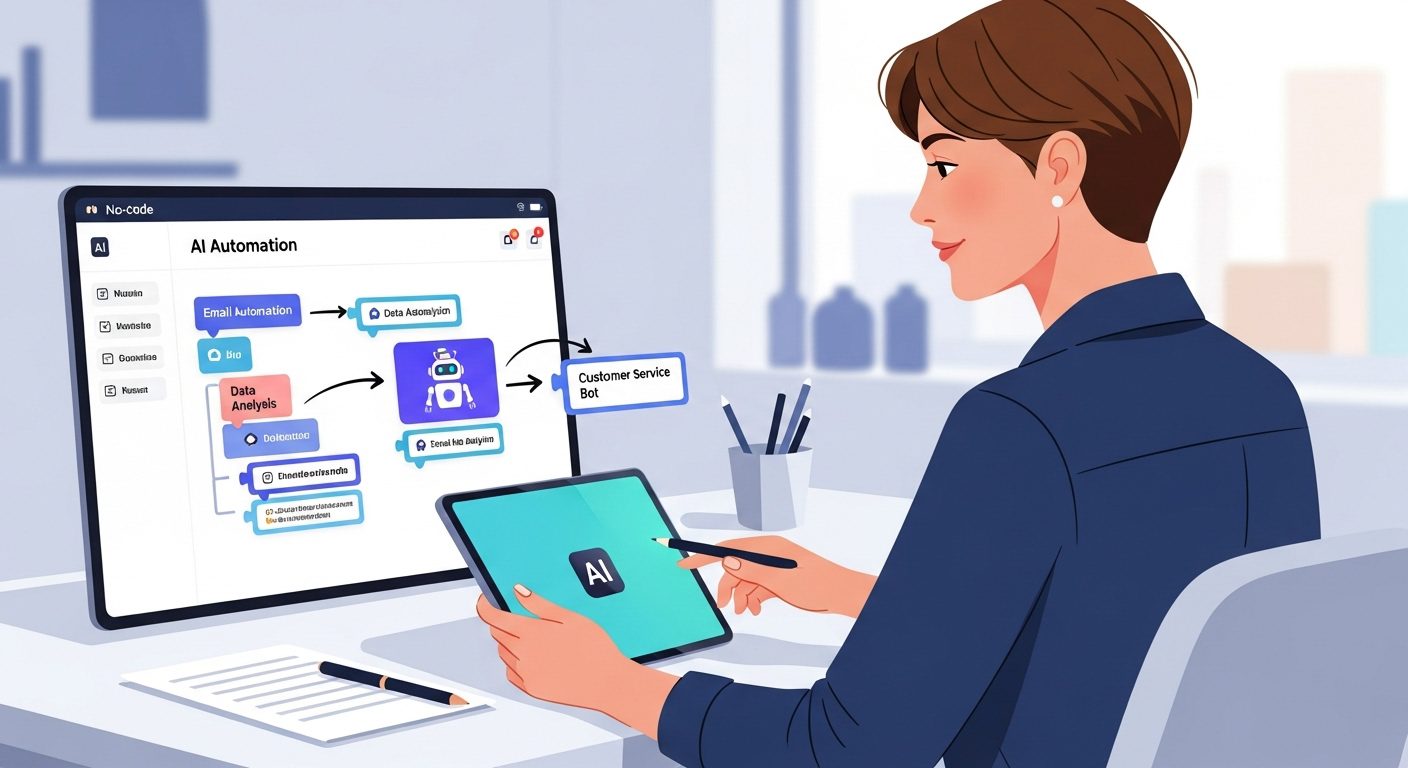
The Universal Translator: Making Your Business Apps Talk
Let’s be real for a second: as a small business owner, your tech stack is probably a bit of a Frankenstein’s monster. You have a CRM over here, an email marketing tool over there, a website form builder, and a team communication app like Slack. The problem? None of them naturally speak the same language. If you’ve got a bunch of software tools that refuse to talk to each other, you’re likely wasting hours doing manual data entry just to keep everything synced.
Enter the “universal translator” for your business apps. Platforms like Zapier have completely revolutionized how small businesses operate by acting as the ultimate digital middleman. The real power here is speed and simplicity—you don’t need to be a programmer or hire an expensive IT consultant to use it. You can build a basic, highly effective workflow in minutes, not days.
The interface of these no-code tools is brilliantly straightforward. It all boils down to a simple “cause and effect” logic. You pick a trigger (like receiving a new email) and connect it to an action (like automatically saving the email’s attachment to Google Drive). With thousands of apps available to connect, chances are high that whatever obscure or mainstream tools you use, they can be linked up seamlessly.
Think about what this means for your daily operations. Imagine a new lead comes in through your website form. Instead of manually copying and pasting their info, your automation platform instantly adds them to your CRM, fires off a personalized welcome email, and pings your sales team on Slack. All of this happens in the background without you lifting a single finger.
Why This Tech is a Game-Changer
If you’re wondering how these platforms manage to turn complex integrations into a walk in the park, here is a quick look at the features that make them stand out:
- Visual Workflow Builders: You don’t need to look at a single line of code. You can design complex scenarios using an intuitive drag-and-drop interface, making it incredibly easy to map out intricate business processes visually.
- Extensive App Integrations: With connections to well over 1,500 apps, you have a massive playground of options for automating almost any administrative task you can think of.
- Plug-and-Play AI Modules: This is where it gets really futuristic. You can actually plug AI capabilities directly into your workflows. Need to summarize a long client email, classify incoming data, or generate custom content as part of an automated sequence? The AI handles it mid-workflow.
- Cost-Effective Scaling: When you’re building sophisticated scenarios, the per-operation pricing models of these tools can be highly economical, making it cost-effective to run higher-volume automations as your business grows.
By acting as the connective tissue between your isolated apps, these no-code platforms don’t just save you time—they fundamentally change how your business handles data, ensuring nothing falls through the cracks.
Crafting Custom AI Agents Without a Single Line of Code
If connecting your apps is like hiring a reliable courier to pass messages around your office, building a custom AI agent is like hiring a brilliant, tireless assistant to actually read those messages, make decisions, and do the work. And the best part? You don’t need a computer science degree or a team of expensive developers to make it happen.
There is a massive difference between using a general-purpose AI assistant and deploying a custom AI agent. When you use a tool like ChatGPT, you are interacting with it directly, one conversation at a time. It’s incredibly smart, but it still requires you to sit at the keyboard and drive. Custom AI agents, on the other hand, run entirely on their own. They pull data, apply conditional logic, generate outputs, and connect to your other tools—all without you being present for a single step.
Building the Brain: How No-Code Platforms Work
Today’s no-code platforms have completely democratized AI development. Instead of staring at a blank screen trying to write Python, you build, train, and deploy AI agents using intuitive drag-and-drop components and visual workflows. You are essentially mapping out your business logic visually.
Many of these platforms come loaded with pre-built agent templates designed for specific business purposes. You simply choose a template that closely matches your goal, modify the steps to fit your unique processes, and deploy it. This eliminates traditional coding entirely and drastically minimizes your setup time.
The Heavy Hitters in No-Code AI
Rather than giving you a rigid, pre-built tool that only does one specific job, modern no-code platforms give you the sandbox to design solutions for the exact problems your business faces. Here are a few ways you can bring these agents to life:
- MindStudio: This platform is a game-changer for automating multi-step workflows. Think of it as the ultimate hybrid: where standard automation passes data between apps, and standard AI answers questions, MindStudio lets you combine both. You can add reasoning, conditional logic, and custom outputs into a single automated agent. Using their visual builder, you just connect the steps—pull data, call an AI model, format the output, and send it to another tool. Most users have their first working agent running in just 15 minutes to an hour.
- Zapier’s AI Modules: If you are already using Zapier as the “universal translator” for your apps, you can actually plug AI capabilities directly into those existing workflows. This means you can instruct your automated sequence to summarize long text, classify incoming data, or even generate personalized content on the fly before passing it along to your CRM or Slack channel.
- Advanced Agent Builders: Platforms like Dify, AutoGen, and LlamaIndex allow you to build highly sophisticated agents tailored to diverse business needs. They offer prebuilt skills, connectors to various data sources, and customizable workflows that bring the full power of AI to your specific operational bottlenecks.
By leveraging these no-code platforms, you aren’t just buying software; you are building a customized digital workforce. You get to design systems that understand your business context, execute complex, multi-step tasks, and ultimately free you up to focus on growth rather than grinding through daily operations.
Drag, Drop, and Dominate: Key Features Transforming Productivity
Let’s be real: the phrase “building software” usually brings to mind dark rooms, endless lines of code, and months of expensive development time. But the true power of today’s no-code AI platforms lies in their absolute speed and simplicity. You don’t need to be a programmer or a computer science grad to build sophisticated systems anymore. Instead, you get to play architect using intuitive interfaces that turn complex business logic into a visual playground.
If you want to stop working in your business and start working on it, you need to leverage the tools that make automation accessible. Here are the core features of no-code AI platforms that are completely transforming workplace productivity:
Visual Workflow Builders
Gone are the days of writing scripts to make things happen. Modern platforms feature drag-and-drop interfaces that make it incredibly easy to map out intricate processes. The setup is remarkably straightforward: you pick a trigger (like a new lead filling out a website form), pick an action (like adding them to your CRM), and literally connect them on your screen. You can design complex, multi-step scenarios just by moving blocks around, allowing you to build a basic, functional workflow in minutes, not days.
Native AI Modules and Conditional Logic
This isn’t just about moving data from point A to point B—that’s basic automation. No-code AI platforms let you plug actual artificial intelligence directly into your automated sequences. Need to summarize a lengthy client email, classify incoming data, or generate a custom content response? Just drop an AI module into your workflow. The best platforms allow you to combine this with reasoning and conditional logic, meaning your custom AI agent can actually make decisions on the fly based on the data it receives.
Extensive App Integrations
Your business likely runs on a fragmented stack of different software tools, and your automations need to access all of them. Top-tier no-code platforms come loaded with pre-built connectors, often boasting over 1,500 app integrations. Whether you need to pull data from a database, send a welcome email, or notify your sales team on Slack, these integrations give you a massive range of options for automating tasks. It seamlessly bridges the gap between apps that otherwise wouldn’t talk to each other.
Pre-Built Templates for Rapid Deployment
Why reinvent the wheel when you don’t have to? Many platforms offer pre-built agent templates designed for specific business purposes. You can simply choose a template, modify the drag-and-drop components to fit your unique operational needs, and deploy it immediately. Because of this user-friendly approach, the average build takes anywhere from 15 minutes to an hour. It eliminates traditional coding setup entirely.
Ultimately, these features offer a highly cost-effective way to handle high-volume tasks. By automating the time-consuming grunt work that used to eat up hours of your week, your team gets to be more present, focused, and dedicated to the strategic work that actually drives growth.
The Human Touch: Why AI Output Shouldn’t Be Your Final Step
We’ve just spent the last few sections building some incredibly powerful systems. You’ve got apps talking to each other like old friends, and custom AI agents doing the heavy lifting while you sleep. It’s tempting to just flip the switch, walk away, and let the machines run your business. But let’s pump the brakes for a second.
If there is one massive trap small business owners fall into when adopting these tools, it’s this: treating AI output as the final product.
No-code platforms like MindStudio and Zapier are brilliant at pulling data, applying conditional logic, and generating content. But at the end of the day, AI is a tool, not a replacement for your unique expertise. Think of your newly minted AI agent as a highly capable, incredibly fast, but slightly naive intern. They can draft the email, summarize the client notes, or classify the data in seconds—but you still need to review their work before sending it to your biggest client.
The 90/10 Rule of AI Automation
When you plug AI modules into your workflows to generate content or make decisions, the goal shouldn’t be 100% hands-off automation. Instead, aim for the 90/10 rule. Let the AI handle the 90% of the tedious, time-consuming work—gathering context, formatting data, and writing the first draft. Then, you step in for the final 10%.
Here is why that final human review is absolutely critical:
- Protecting Your Brand Voice: AI can mimic tones, but it doesn’t inherently understand the nuanced, authentic voice that your customers trust. A quick human pass ensures the output sounds like you, not a generic robot.
- Catching Contextual Misses: Even the smartest AI models can occasionally misinterpret a customer’s intent or pull the wrong piece of data. Human oversight prevents an awkward (or costly) automated response.
- Adding the Empathy Layer: If a lead comes in with a sensitive or highly specific problem, an automated, cookie-cutter AI response can feel cold. You need the ability to inject real human empathy into the final touchpoint.
Designing “Human-in-the-Loop” Workflows
The beauty of no-code automation is that you can design your workflows to pause for your approval. You don’t have to sacrifice quality for speed. Instead of building an automation that immediately fires off an email to a new lead, you can structure it to keep you in the driver’s seat.
For example, when a new lead fills out a form on your website, your workflow can automatically add them to your CRM, use AI to analyze their request, and draft a highly personalized welcome email. But instead of hitting “send,” the automation saves that email as a draft in your Gmail and pings you on Slack with a summary. All you have to do is open the draft, tweak a sentence or two, and click send.
By keeping a human in the loop, you get the best of both worlds: the breathtaking speed and productivity of AI, grounded by the quality control and authenticity that only a human business owner can provide.
Your Next Steps Toward an Automated Future
You’ve seen what’s possible. The leap from the daily manual grind to a sophisticated system that works while you sleep is no longer a massive, expensive IT project. It’s a series of simple, drag-and-drop decisions. But reading about no-code AI won’t save you hours of busywork—actually building it will.
So, how do you cross the bridge from theory to practice? Here is your actionable game plan to get started:
- Test Drive with Free Trials: Because there is no one-size-fits-all solution, the best way to find your perfect platform is to experiment. Evaluate your options using free trials or low-level pay-as-you-go tiers. Platforms like MindStudio even let you explore their visual workflow builders without entering a credit card.
- Leverage Pre-Built Templates: You don’t need to start from a blank canvas. Many no-code platforms offer pre-built AI agent templates designed for specific business purposes. Simply choose a template, modify the parameters to fit your unique requirements, and completely bypass traditional setup times.
- Start Small and Fast: Don’t try to automate your entire business on day one. Pick a simple trigger-and-action scenario—like automatically adding a new website lead to your CRM, sending a welcome email, and pinging your sales team on Slack. You can build these basic workflows in minutes, not days.
- Dedicate an Afternoon to Build: Set aside just a few hours this week. It sounds ambitious, but it’s entirely realistic. Most users building custom, multi-step AI agents have their first working automation running within an hour to an afternoon.
The tools are here, they are highly cost-effective for high-volume tasks, and they require absolutely zero coding expertise. Whether you are using a universal translator to connect your existing software stack or crafting a custom reasoning agent from scratch, the power to scale your small business is literally at your fingertips. It’s time to stop working in your business and start building the systems that work for it. Keep exploring aeternawork.com as you take your next confident steps into the automated future.