
Beyond Static AI: Understanding Retrieval-Augmented Generation
Imagine deploying a brand-new, state-of-the-art AI chatbot to help your team navigate internal company wikis, only for it to confidently hallucinate policies that don’t exist or completely miss last week’s crucial product update. It’s a frustrating, all-too-common scenario. I remember working with a development team that spent weeks fine-tuning a massive language model, only to realize that the moment a single internal document changed, their expensive model was instantly outdated. That is the fundamental limitation of static AI—it only knows what it was trained on, and retraining a model every time you update a PDF is a recipe for operational burnout.
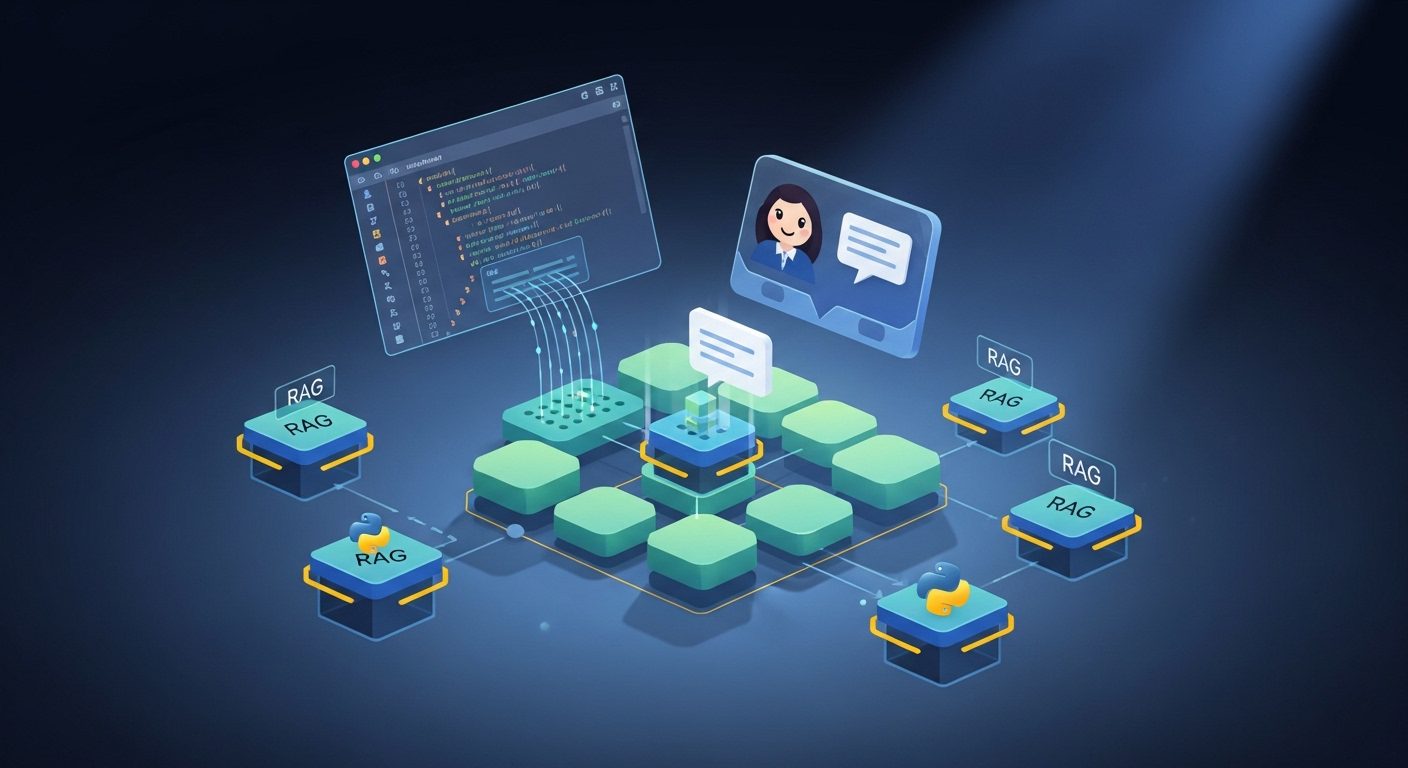
To build a truly intelligent, dynamic knowledge assistant, we need to move beyond static training sets. This is where Retrieval-Augmented Generation (RAG) comes in. RAG is an innovative AI framework that combines the strengths of pre-trained language models and external information retrieval systems to deliver highly accurate, context-aware responses in conversational AI systems.
How RAG Bridges the Gap
Instead of relying solely on what the LLM “memorized” during its initial training, a RAG setup allows your chatbot to leverage your own private collections of data in real-time. The process is elegant in its simplicity and relies on two core phases:
- The Retrieval Process: When a user asks a question, the system queries a dedicated knowledge base to pull the most relevant documents and text segments related to the query.
- The Generation Process: The system then hands these retrieved documents over to the language model. The LLM uses this fresh, external context to generate a coherent, accurate response tailored specifically to your data.
By integrating retrieval and generation, you ensure that your chatbot can answer questions using the most recent data available. The best part? You don’t need to spend thousands of dollars retraining or fine-tuning the underlying language model. The LLM acts as the articulate engine, while your vector store acts as the source of truth, allowing your AI to stay current, reliable, and completely under your control.
From Raw Text to Vector Stores: Chunking and Indexing Your Knowledge Base
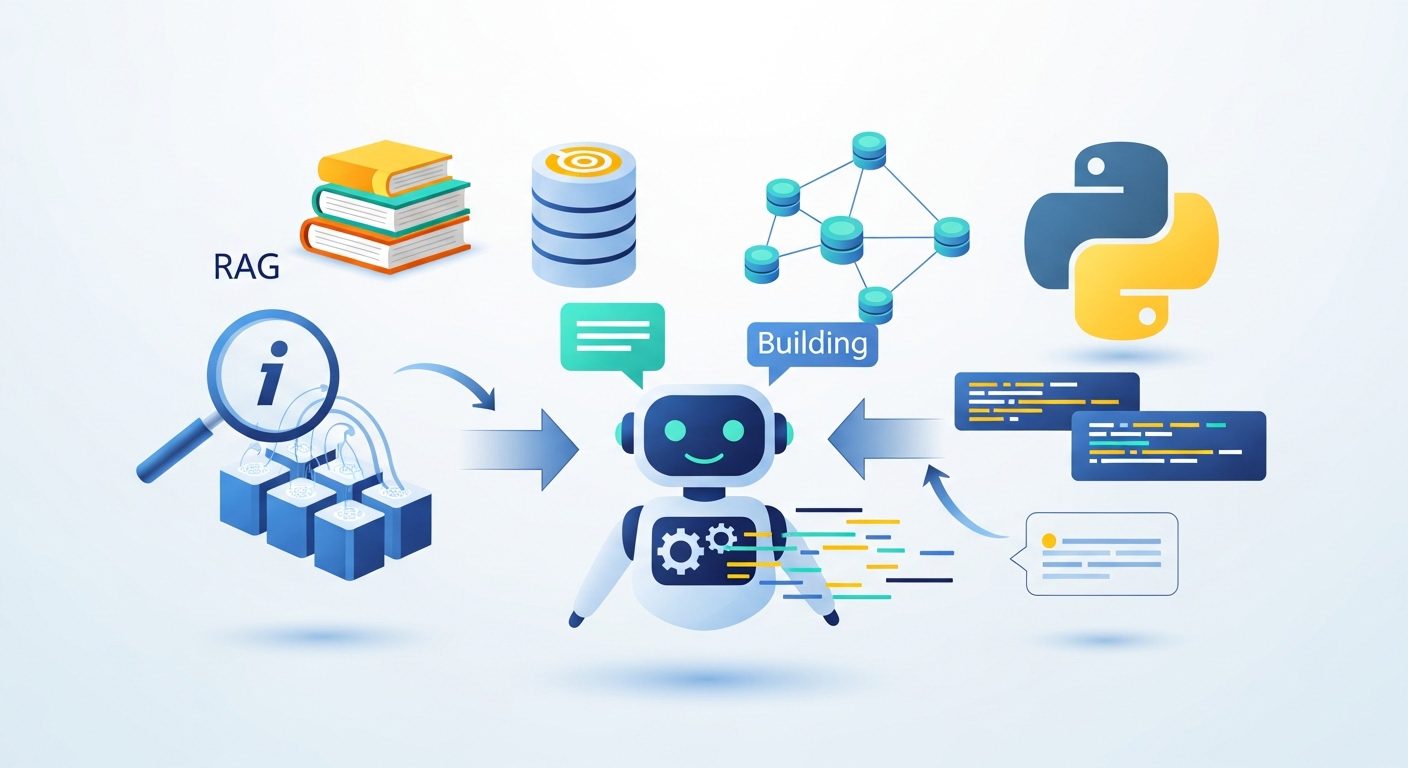
Now that we understand the high-level mechanics of Retrieval-Augmented Generation, it’s time to roll up our sleeves and look at the actual data pipeline. An LLM is only as good as the context you feed it. If you try to throw an entire 200-page product manual or a massive folder of text files directly at a prompt, you’ll quickly hit context window limits—and even if you don’t, the model will likely suffer from “lost in the middle” syndrome, missing the exact details you need.
To build an efficient RAG chatbot, we must transform raw, unstructured text into a highly searchable, semantically organized format. This process relies on two critical steps: chunking and indexing.
Step 1: Smart Chunking with DocumentProcessor
Chunking is the art of breaking down your documents into smaller, semantically coherent segments. If your chunks are too large, the retrieved context will contain too much noise. If they are too small, you lose the surrounding context necessary for the LLM to generate a meaningful answer.
In a typical Python implementation using LangChain, we handle this with a dedicated document processing step. For instance, we can build a DocumentProcessor class designed to load our raw files and split them into manageable pieces:
processor = DocumentProcessor("data/sample_text.txt")
texts = processor.load_and_split()
Depending on your source material, your chunking strategy should adapt. For standard text files, a recursive character splitter works beautifully. However, if your knowledge base consists of structured documents like Markdown, you can chunk the content based on its structure—using headers (like H2 or H3 tags) as natural boundaries to keep related topics together. This structural chunking ensures that your chatbot retrieves complete, self-contained concepts rather than fragmented sentences.
Step 2: Vector Embeddings and the EmbeddingIndexer
Once our raw text is split into clean, logical chunks, we can’t just search them using basic keyword matching. We want our chatbot to understand meaning. If a user asks about “troubleshooting connectivity,” the system should find documents discussing “network issues” or “offline status,” even if the exact word “connectivity” never appears.
This is where vector embeddings come in. We pass our text chunks through an embedding model, which translates human language into high-dimensional mathematical vectors. These vectors represent the semantic meaning of the text.
To manage this, we set up an EmbeddingIndexer. This component takes our processed text chunks, generates their corresponding embeddings, and stores them in a vector database (such as Pinecone or a local vector store):
indexer = EmbeddingIndexer()
vectorstore = indexer.create_vectorstore(texts)
By indexing our knowledge base this way, we create a highly efficient semantic search engine. When a user asks a question, the chatbot can instantly compare the vector of the query against the vectors in our store, pulling out the most relevant chunks in milliseconds. This vector store becomes the foundational brain of our RAG chain, ready to feed precise context to our LLM.
Assembling the RAG Chain and Crafting Interactive Interfaces
Now that we have successfully chunked our documents and indexed them into a vector store, it is time for the real magic: assembling the Retrieval-Augmented Generation (RAG) chain and building an interface to interact with it. This is where retrieval meets generation, transforming static vector embeddings into a dynamic, context-aware conversational partner.
The Anatomy of a RAG Chain
At its core, a RAG chain is a pipeline that bridges the gap between your external knowledge base and a Large Language Model (LLM). Instead of relying solely on the LLM’s pre-trained weights—which might be outdated or lack proprietary context—the RAG chain performs a two-step process:
- Retrieval: When a user asks a question, the system queries the vector store to pull the most semantically relevant document chunks.
- Generation: The system feeds these retrieved chunks along with the original user query into the LLM. The model then synthesizes this information to generate an accurate, highly contextual response.
By combining these two processes, your chatbot can answer questions using your most recent data, even if the underlying language model was never explicitly trained on it.
Assembling the Backend in Python
To bring this architecture to life, we tie our modular components together using Python. In a typical LangChain-enabled setup, we initialize our document processor, generate the vector store, and pass it directly into our RAG chain configuration. Here is how the orchestration looks under the hood:
# Initializing the backend pipeline
processor = DocumentProcessor("data/sample_text.txt")
texts = processor.load_and_split()

indexer = EmbeddingIndexer()
vectorstore = indexer.create_vectorstore(texts)

rag_chain = RAGChain(vectorstore)
qa_chain = rag_chain.create_chain()

chatbot = Chatbot(qa_chain)
This clean separation of concerns ensures that your document processing, embedding indexing, and chain generation remain modular and easy to scale as your knowledge base grows.
Crafting the Interactive Interfaces
An AI engine is only as good as its user experience. To interact with our newly minted RAG chain, we can build two types of interfaces: a lightweight Command Line Interface (CLI) for rapid local testing, and a polished web-based Graphical User Interface (GUI) for end-users.
Option 1: The Command-Line Chatbot
For developers who want to test retrieval accuracy and response latency quickly, a simple command-line loop is the perfect starting point. By running a continuous execution loop, we can chat with our data directly from the terminal:
if __name__ == "__main__":
    # ... backend initialization ...
    chatbot = Chatbot(qa_chain)

    while True:
        user_input = input("You: ")
        if user_input.lower() in ['exit', 'quit', 'bye']:
            print("Chatbot: Goodbye!")
            break
        response = chatbot.get_response(user_input)
        print(f"Chatbot: {response}")
This script creates a command-line chatbot interface that continuously listens for user input, processes it through the RAG chain, and returns the generated response.
Option 2: A Web-Based UI with Streamlit or Panel
To share your chatbot with colleagues or clients, a web interface is essential. Frameworks like Streamlit and Panel make it incredibly simple to build interactive frontends with minimal Python code.
With Streamlit, you can build an interface that allows users to upload their own knowledge base files on the fly. By leveraging widgets like st.file_uploader, you can dynamically ingest new text files, rebuild the vector store, and re-initialize the chatbot instantly:
import streamlit as st

def initialize_chatbot(file_path):
    processor = DocumentProcessor(file_path)
    texts = processor.load_and_split()
    indexer = EmbeddingIndexer()
    vectorstore = indexer.create_vectorstore(texts)
    rag_chain = RAGChain(vectorstore)
    return Chatbot(rag_chain.create_chain())

st.title("RAG Chatbot")

uploaded_file = st.file_uploader("Upload a text file for the knowledge base", type="txt")

if uploaded_file:
    with open("temp_knowledge_base.txt", "wb") as f:
        f.write(uploaded_file.getbuffer())

    chatbot = initialize_chatbot("temp_knowledge_base.txt")
    # Interactive chat UI elements go here
Alternatively, you can use Panel’s robust chat interface components. Panel widgets allow you to build highly customizable dashboards where users can upload files, select values, and view the exact source documents retrieved during the RAG process. This transparency is crucial for debugging and building user trust, as it allows users to see exactly which reference documents informed the chatbot’s response.
Managing Your Index and Expanding Your AI Horizons
Building your first RAG chatbot is an exciting milestone, but deploying a prototype is only the beginning of the journey. In the real world, data is dynamic. Your knowledge base will grow, your documents will change, and your users will demand faster, more accurate answers. To transition from a cool local script to a production-grade AI assistant, you need to master index management and explore advanced RAG architectures.
Keeping Your Vector Store Clean and Efficient
As you update your knowledge base with new text files, markdown documents, or PDFs, your vector database can quickly become cluttered. Managing your index is crucial for both search performance and cost control. For instance, if you are using a vector database like Pinecone, you should establish a routine for database lifecycle management. When testing new embedding models or chunking strategies, don’t let obsolete indices linger—use operations like delete_index to clean up resources you no longer need.
Furthermore, consider how you structure your data from the start. If you are working with structured documents like Markdown, chunking your content based on structural elements (such as H2 headers) ensures that your retrieved segments remain semantically coherent. This prevents your chatbot from receiving fragmented, out-of-context snippets that degrade the quality of its responses.
Next-Level RAG: Expanding Your AI Horizons
Once you have mastered the basics of document processing, embedding generation, and simple querying, it is time to push the boundaries of what your RAG chain can do. Here are the logical next steps to elevate your chatbot’s capabilities:
- Semantic Chunking: Move beyond basic character-count splits. Experiment with semantic chunking to group sentences by actual meaning, or structural chunking to preserve the natural hierarchy of your documents.
- Retrieval Pipelines with Reranking: Sometimes, a vector database returns documents that are mathematically close but contextually suboptimal. Introducing a reranking step after initial retrieval ensures that only the absolute most relevant context is passed to your LLM.
- Multi-Tenant Architectures: If you are building a SaaS application or an enterprise tool, you will likely need to isolate data for different users or departments. Exploring multi-tenant RAG setups—using namespaces to partition your vector index—allows you to serve multiple clients securely from a single database instance.
By treating your knowledge base as a living, breathing system rather than a static folder of text files, you unlock the true potential of Retrieval-Augmented Generation. Keep experimenting, keep refining your index, and watch your AI chatbot evolve into an indispensable organizational asset.